Getting Started with Chain2Pay
A complete guide to setting up your payment gateway and accepting your first payment in minutes.
Create Your Account
Sign up on Chain2Pay and access your merchant dashboard. No lengthy verification process - get started in under 2 minutes.
Pro Tips
- Use a business email for your account
- Complete your merchant profile
- Choose your preferred plan
Connect Your Wallet
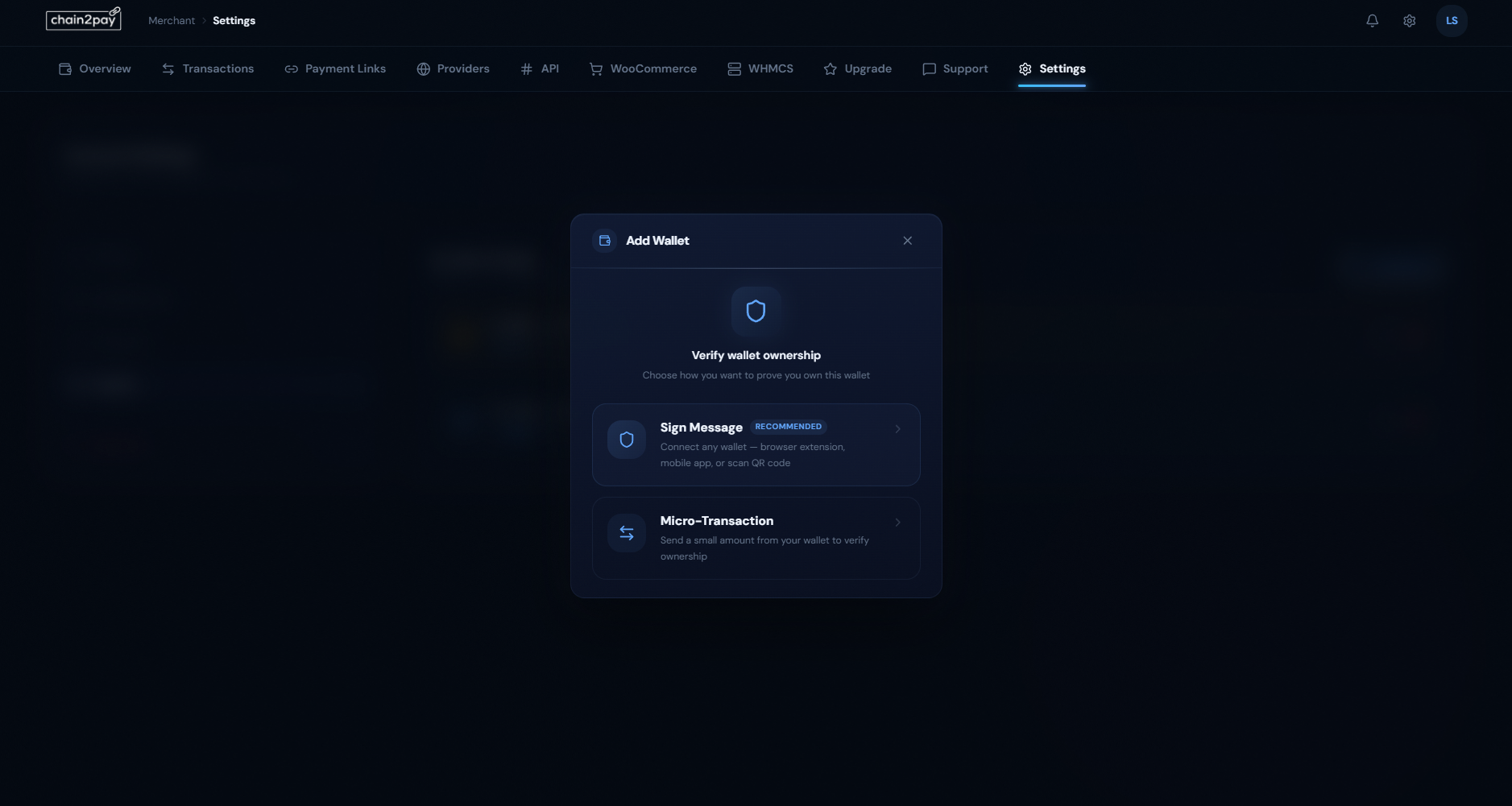
Link your USDC wallet to receive instant payouts. We support WalletConnect and micro-transaction verification for maximum security.
Pro Tips
- Sign Message is the recommended verification method
- Use a hardware wallet for maximum security
- You can add multiple wallets for different purposes
Generate Your API Key
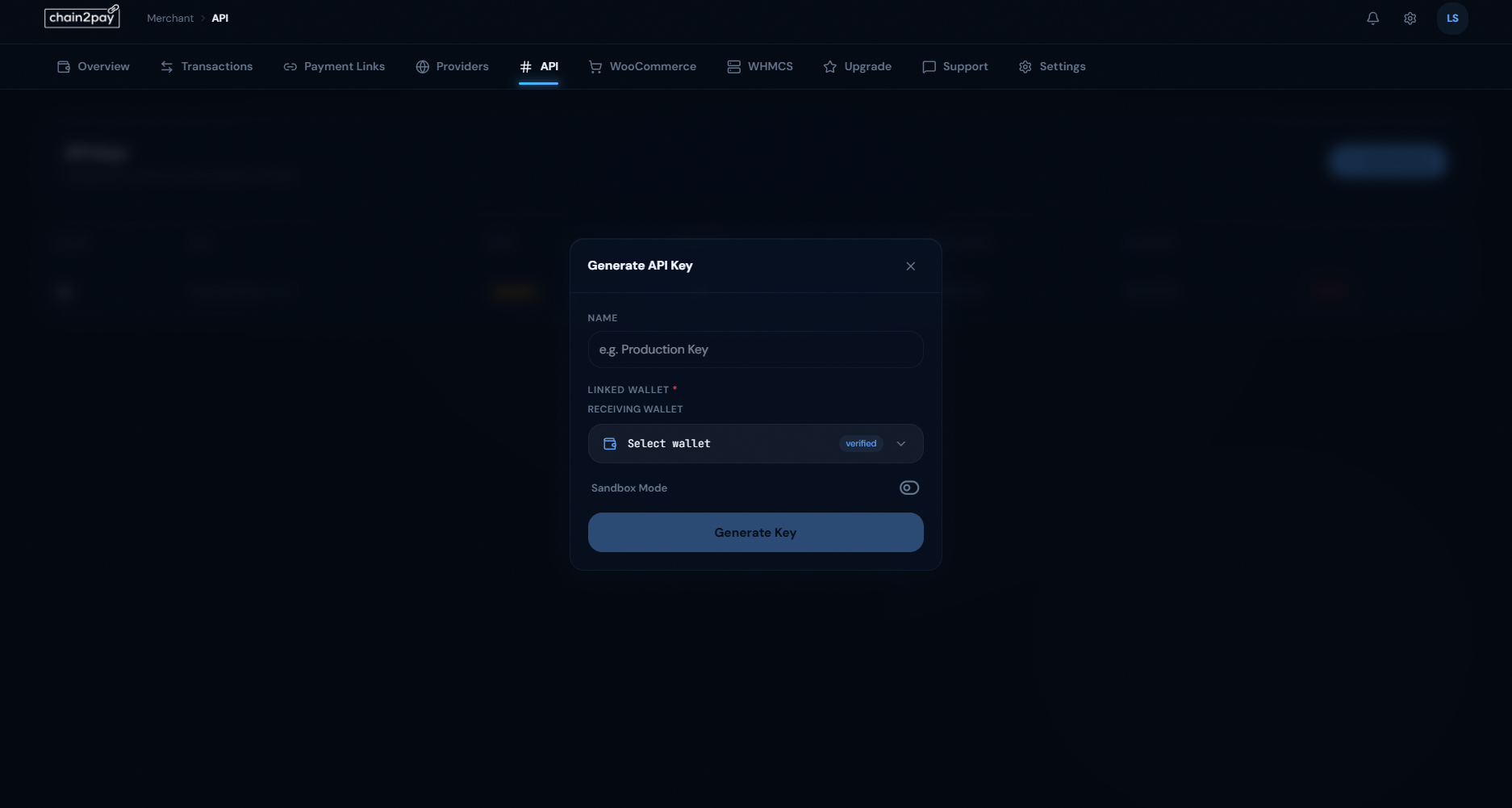
Create API keys to integrate Chain2Pay with your platform. Each key is linked to a specific wallet for secure fund routing.
Pro Tips
- Name your keys descriptively (e.g., 'Production Key')
- Enable Sandbox Mode for testing
- Never share your API secret publicly
Create Payment Links
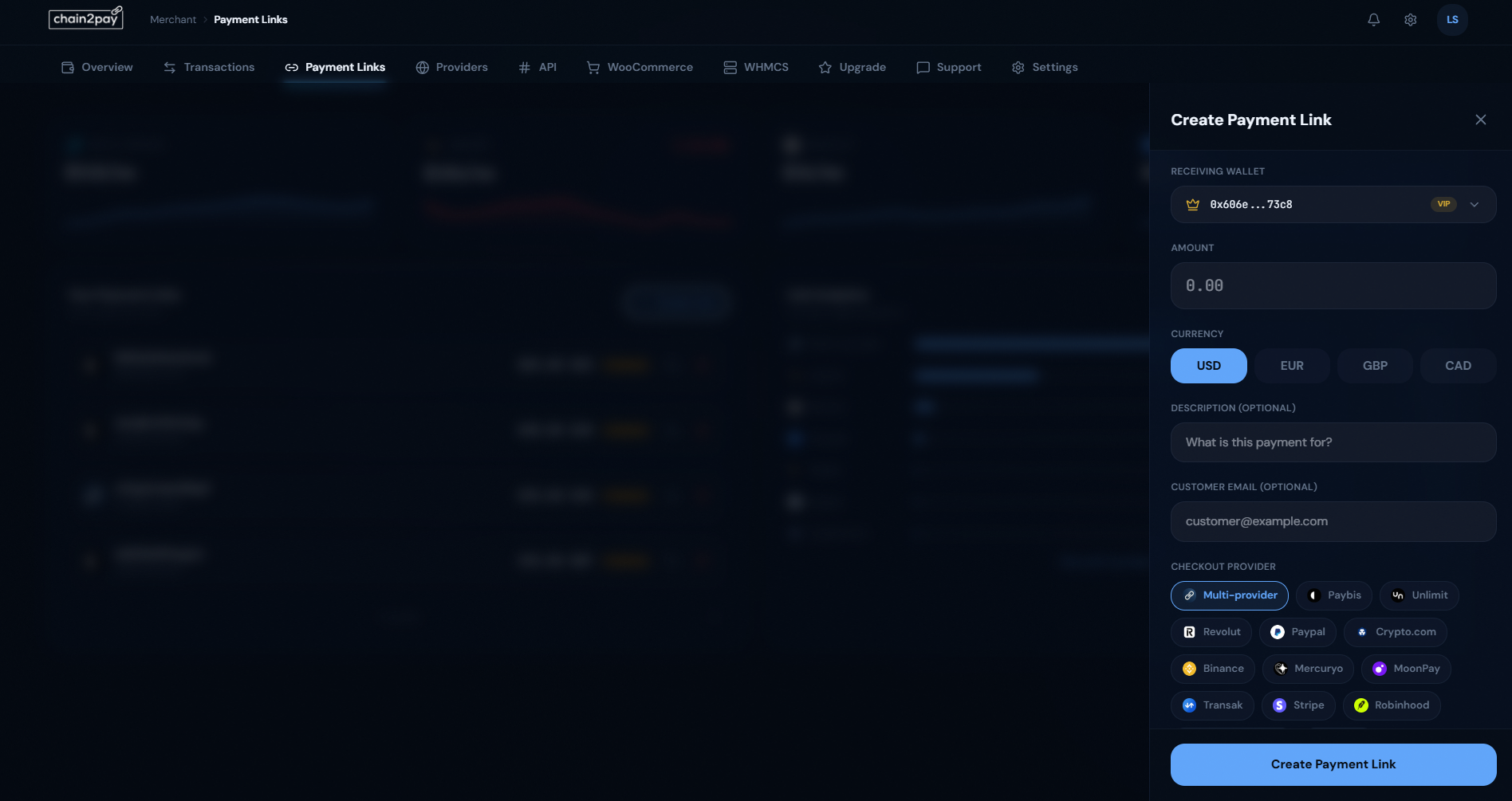
Generate shareable payment links instantly. Perfect for merchants without a website or for quick invoicing.
Pro Tips
- Support for USD, EUR, GBP, and CAD
- Choose from 10+ checkout providers
- Multi-provider mode auto-routes for best rates
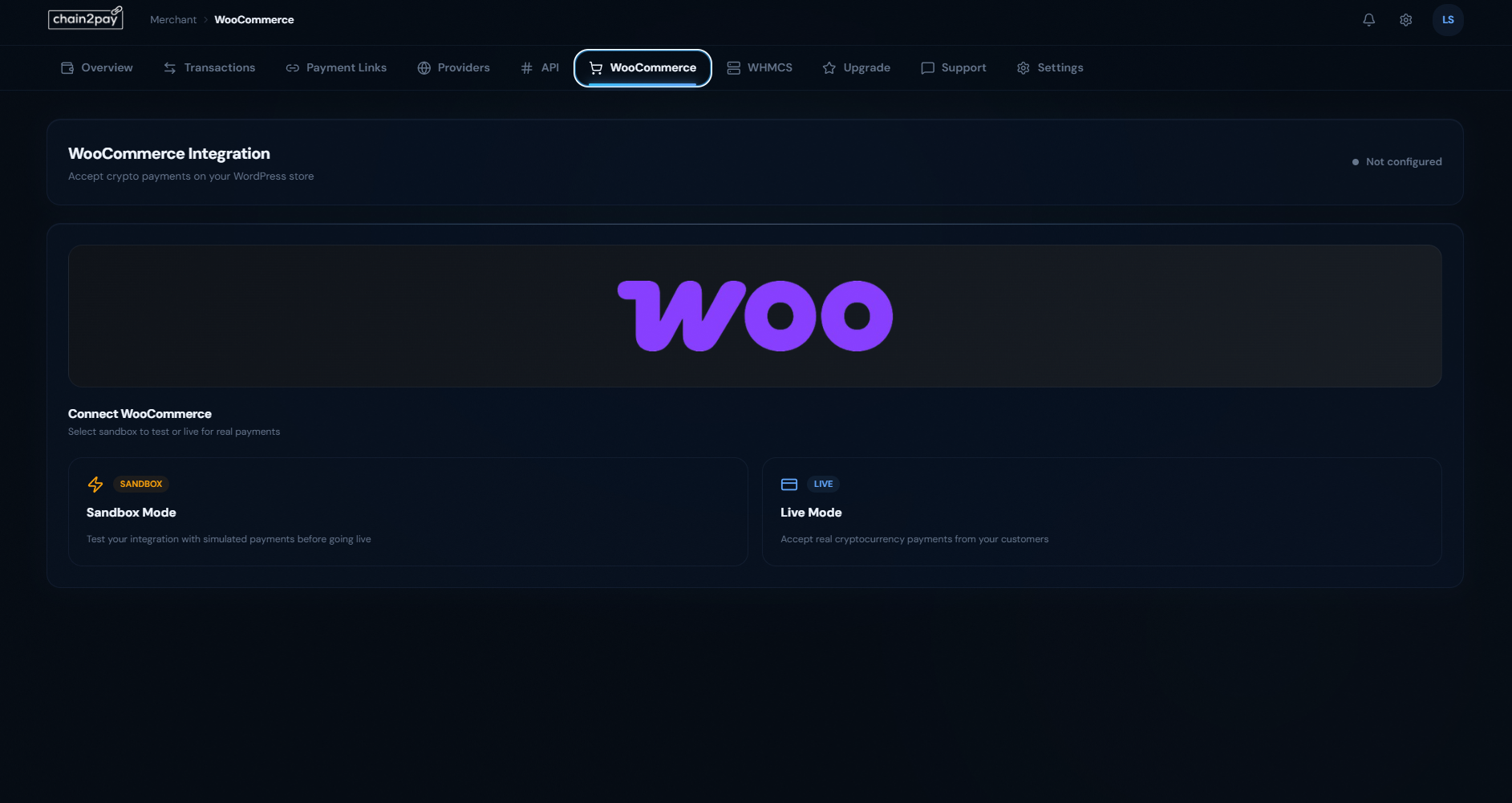
Install E-commerce Plugins
Seamlessly integrate with WooCommerce or WHMCS. One-click setup with sandbox testing available.
Pro Tips
- Test in Sandbox Mode before going live
- Plugin handles all payment processing
- Automatic order status updates
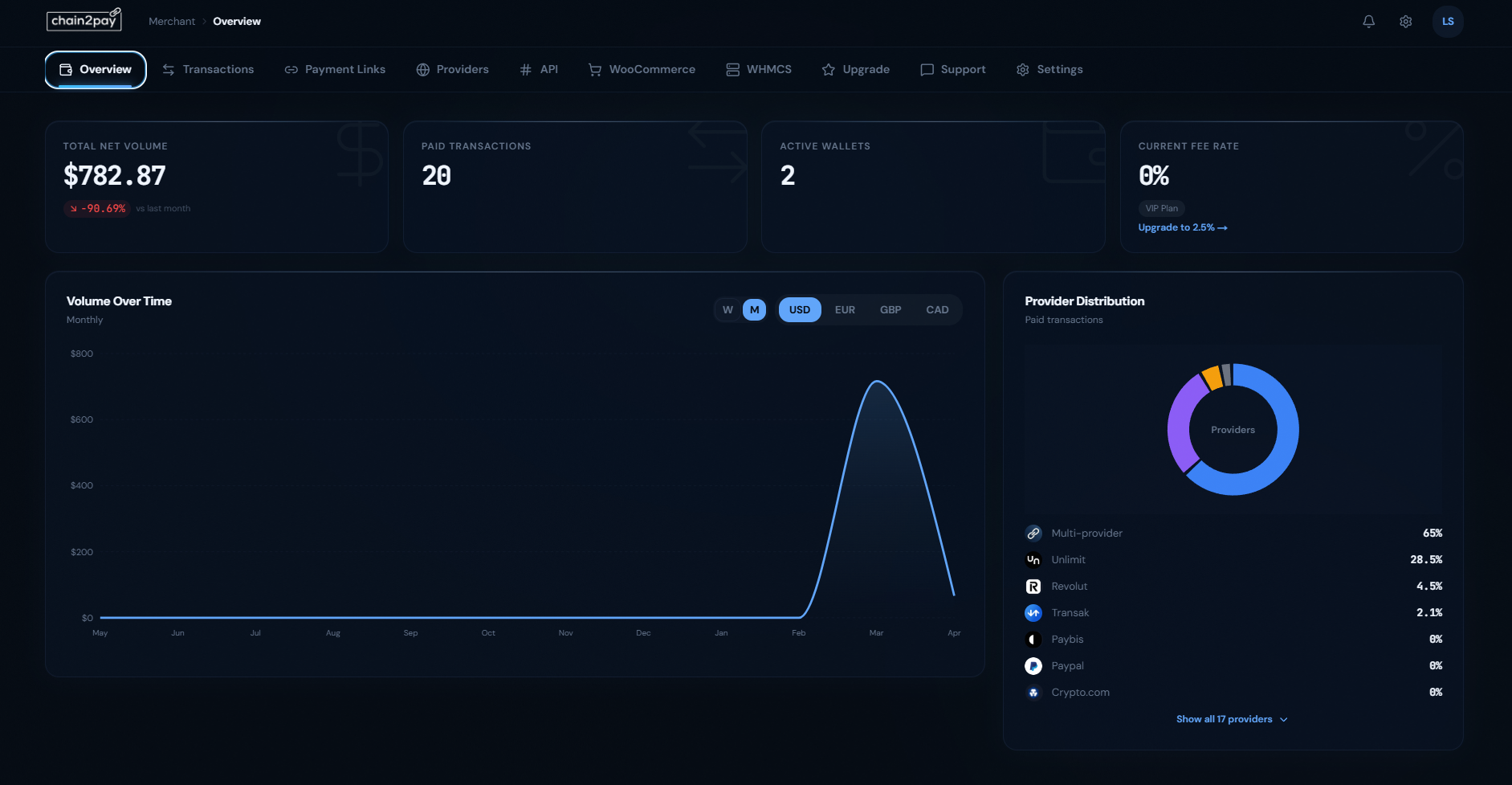
Track Your Transactions
Monitor your payment volume, transactions, and provider distribution in real-time from your dashboard.
Pro Tips
- View weekly or monthly analytics
- Track performance by provider
- Export transaction history anytime
Ready to Get Started?
Create your account and start accepting payments in less than 2 minutes.