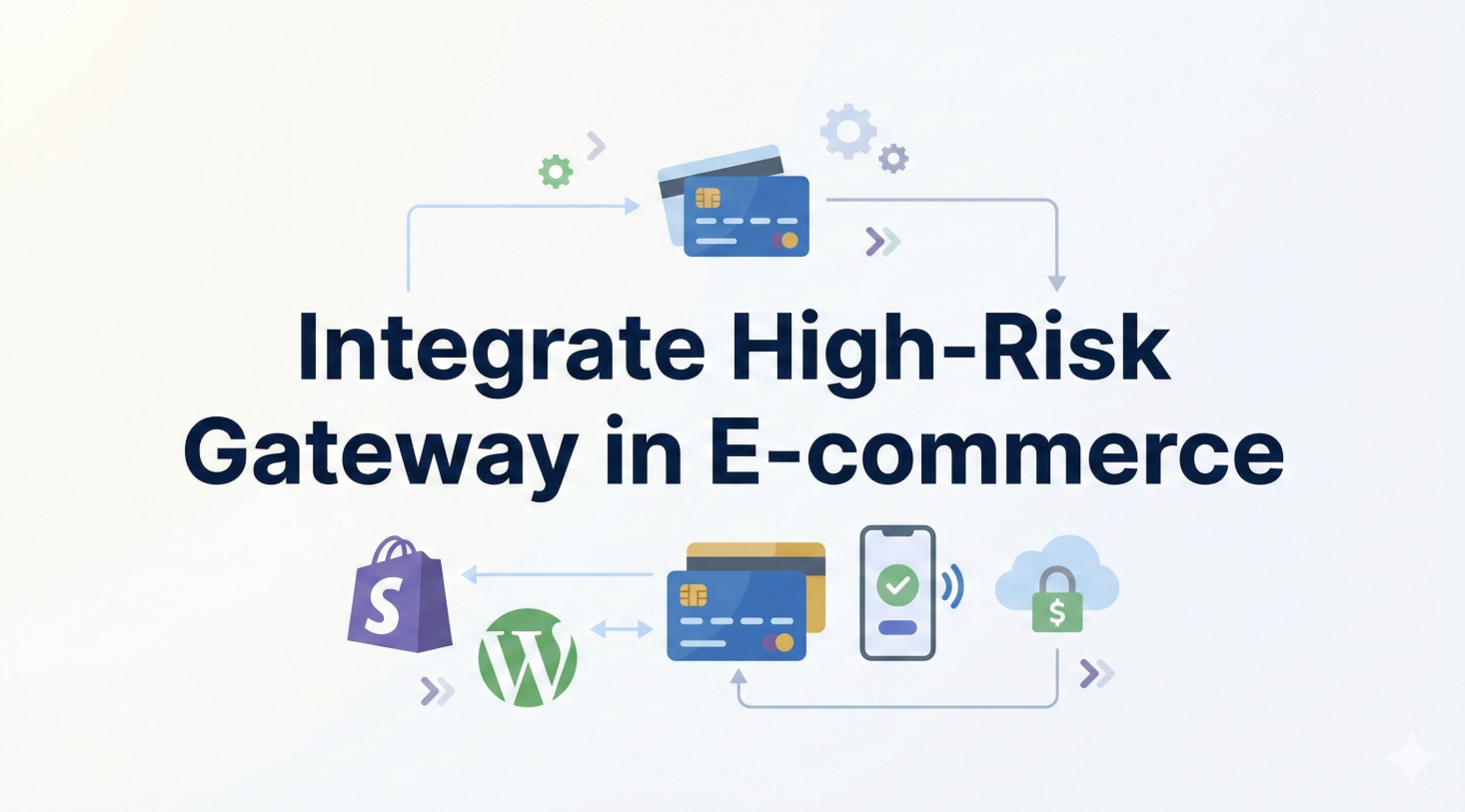
For high-risk merchants, "integration" often brings to mind weeks of back-and-forth interactions with technical support, complex documentation, and restrictive approval processes. Most payment processors make it incredibly difficult to actually take that first dollar.
Chain2Pay is different. We believe in Instant Integration. Whether you are using a popular CMS like WooCommerce or building a custom platform from scratch, our goal is to get you live and accepting credit card payments in under 15 minutes.
1. Why Integration Matters
For high-risk merchants, the onboarding experience is often the single biggest barrier to launch. Traditional processors use integration complexity as a gatekeeping mechanism, requiring extensive documentation, underwriting calls, and sandbox approvals before you can charge a single card.
A modern high-risk payment gateway should do the opposite: get your checkout live today, not next quarter. Chain2Pay is built on that principle, with drop-in integrations for the most popular stacks and a permissionless API for everyone else.
2. Prerequisites (Wallet & Setup)
Before you write a line of code or install a plugin, you need two simple things:
- A Polygon (USDC) Wallet Address: This is where you will receive your funds. You must hold the private keys to this wallet (e.g., MetaMask, Trust Wallet, Ledger). Do not use an exchange deposit address.
- A Website with SSL: Your site must be served over HTTPS to ensure secure communication with our API.
That's it. No API keys to request, no merchant ID applications to fill out. Your wallet address is your identity on the network.
3. WooCommerce Integration (No Code)
If your store runs on WordPress/WooCommerce, our dedicated plugin handles everything for you. This is the fastest way to get started.
Step 1: Download the Plugin
Go to our Plugin Page and download the latest version of the Chain2Pay Gateway plugin (zip file).
Step 2: Install in WordPress
Navigate to your WordPress Admin Dashboard → Plugins → Add New → Upload Plugin. Select the zip file you just downloaded and click "Install Now," then "Activate."
Step 3: Configure Settings
Go to WooCommerce → Settings → Payments. Find "Chain2Pay" in the list and click "Manage".
- Enable/Disable: Check "Enable Chain2Pay Payment Gateway".
- Polygon Wallet Address: Paste your USDC wallet address here. Double-check this! This is where your money goes.
- Title/Description: You can leave these as default ("Pay via Credit Card").
Click "Save Changes". You are now live and ready to accept payments.
4. Custom API Integration (NodeJS & PHP)
For developers building custom platforms (casinos, SaaS, custom e-commerce), our REST API offers full control. The integration logic is simple: you send us the payment details, we give you a secure payment URL.
The Endpoint
POST https://chain2pay.cloud/api/v2/payments
Node.js Example
const axios = require('axios');

async function createPayment() {
  try {
    const response = await axios.post(
      'https://chain2pay.cloud/api/v2/payments',
      {
        amount: 150.00,
        currency: "USD",
        merchant_wallet: "0x1234567890abcdef1234567890abcdef12345678",
        callback_url: "https://myshop.com/payment-webhook",
        customer_email: "buyer@gmail.com"
      },
      { headers: { 'x-api-key': 'sk_live_...' } }
    );

    if (response.data.success) {
      console.log("Redirect to:", response.data.payment_url);
    }
  } catch (error) {
    console.error("Payment creation failed:", error);
  }
}
PHP Example (cURL)
$url = 'https://chain2pay.cloud/api/v2/payments';
$data = [
    'amount' => 150.00,
    'currency' => 'USD',
    'merchant_wallet' => '0xYourWalletAddress...',
    'customer_email' => 'customer@email.com'
];

$ch = curl_init($url);
curl_setopt($ch, CURLOPT_POST, 1);
curl_setopt($ch, CURLOPT_POSTFIELDS, json_encode($data));
curl_setopt($ch, CURLOPT_HTTPHEADER, [
    'Content-Type: application/json',
    'x-api-key: sk_live_...'
]);
curl_setopt($ch, CURLOPT_RETURNTRANSFER, true);

$response = json_decode(curl_exec($ch), true);

if ($response['success']) {
    header("Location: " . $response['payment_url']);
    exit();
}5. Shopify & Hosted Platforms
Closed platforms like Shopify or Wix can be restrictive for high-risk payment gateways. However, you can still use Chain2Pay via our "Payment Link" method.
- Manual Invoicing: Generate a payment link via our Link Generator and email it to the customer.
- Redirect Method: Currently, direct API integration for Shopify is in beta. Contact our support on Telegram for early access if you process high volumes (> $50k/mo).
6. Testing Your Integration
Since we have no signup process or "Sandbox Mode" in the traditional sense, testing is done on the live environment. But don't worry—you can test with real, small transactions.
- Create a product for $1.00 (or the minimum allowed amount).
- Go through the checkout flow using your own card.
- Verify your wallet receives the USDC (minus fees).
- Verify your
callback_urlreceives the webhook callback.
This is the most accurate way to test because it verifies the entire banking network path, not just a mocked API response.
7. Best Practices for Merchants
- Listen to Webhooks: Don't just rely on the user returning to your "Success Page". Users often close the tab early. Always listen for the server-to-server webhook callback to mark orders as "Paid".
- Use Customer Emails: Passing the
customer_emailfield helps with fraud detection and ensures the customer receives a receipt. - Monitor Telegram: You can optionally integrate our Telegram notifications to get real-time alerts for every sale.
- Rotate API Keys: Store your
sk_live_...key server-side only, and rotate it periodically from the dashboard.
8. Frequently Asked Questions
Do I need an API Key?
Yes — v2 of the API uses an `x-api-key` header (your `sk_live_...` secret). Your `merchant_wallet` still identifies where funds should settle, but authenticated requests must include the key.
Can I customize the checkout page?
The checkout page is hosted on our secure servers to ensure PCI compliance. You cannot change its design, but you pass parameters to control the language and currency.
What if a callback fails?
Our system attempts to send the webhook multiple times with exponential backoff. If your server is down, you can always check the transaction status via the Verify Transaction tool or by querying the payments API.
How long does integration really take?
For WooCommerce: about 5 minutes. For a custom Node.js or PHP backend: typically under 30 minutes end-to-end, including testing a real $1 transaction.
9. Conclusion
Integrating a high-risk payment gateway doesn't have to be a nightmare. Chain2Pay's modern infrastructure allows you to bypass the bureaucracy and focus on code. Whether you choose the plug-and-play simplicity of WooCommerce or the power of our raw API, you can have a global, card-accepting payment solution live by the end of the day.
No waiting. No approval. Just payments.